

Sharing the Mental Load Starts With Sharing the Password
Five-minute fixes for the things living only in my head

An engagement party in three days. “Do we have a sitter yet?” Will asks.
I take a deep breath. I forgot. Again. Finding a sitter has always been my job.
The contacts are only in my phone. The knowledge is only in my head. Will can’t share a load he can’t see
As She Learns is forcing me to fix that, one small system at a time. Nobody asked me to organize my own chaos in public. And yet, here we are.
Because I clearly need the help. I am the mom whose two girls both had blowouts at two separate birthday parties in June. No backup outfit either time. Just naked babies. You’d think I’d learn. You’d think I’d remember to pack an extra. Maybe third time’s the charm. Or maybe I need a better system.
Below are five little things that used to live only in my head. Five tiny manual fixes anyone can set up in five minutes. The by-hand version. But the foundation for the smarter system I’m building next.
1. Everything goes on the shared calendar. Everything!
A shared calendar is obvious. My new rule is that the details have to go on it too.
Not just the appointment, the event, the trip. The location, the time, what to wear. Whether a sitter’s already booked, and whether the dog’s coming with us. If we’d ask the question, the answer belongs in the event.
It helps both of us now, and it gives Claude enough context to lean on later.
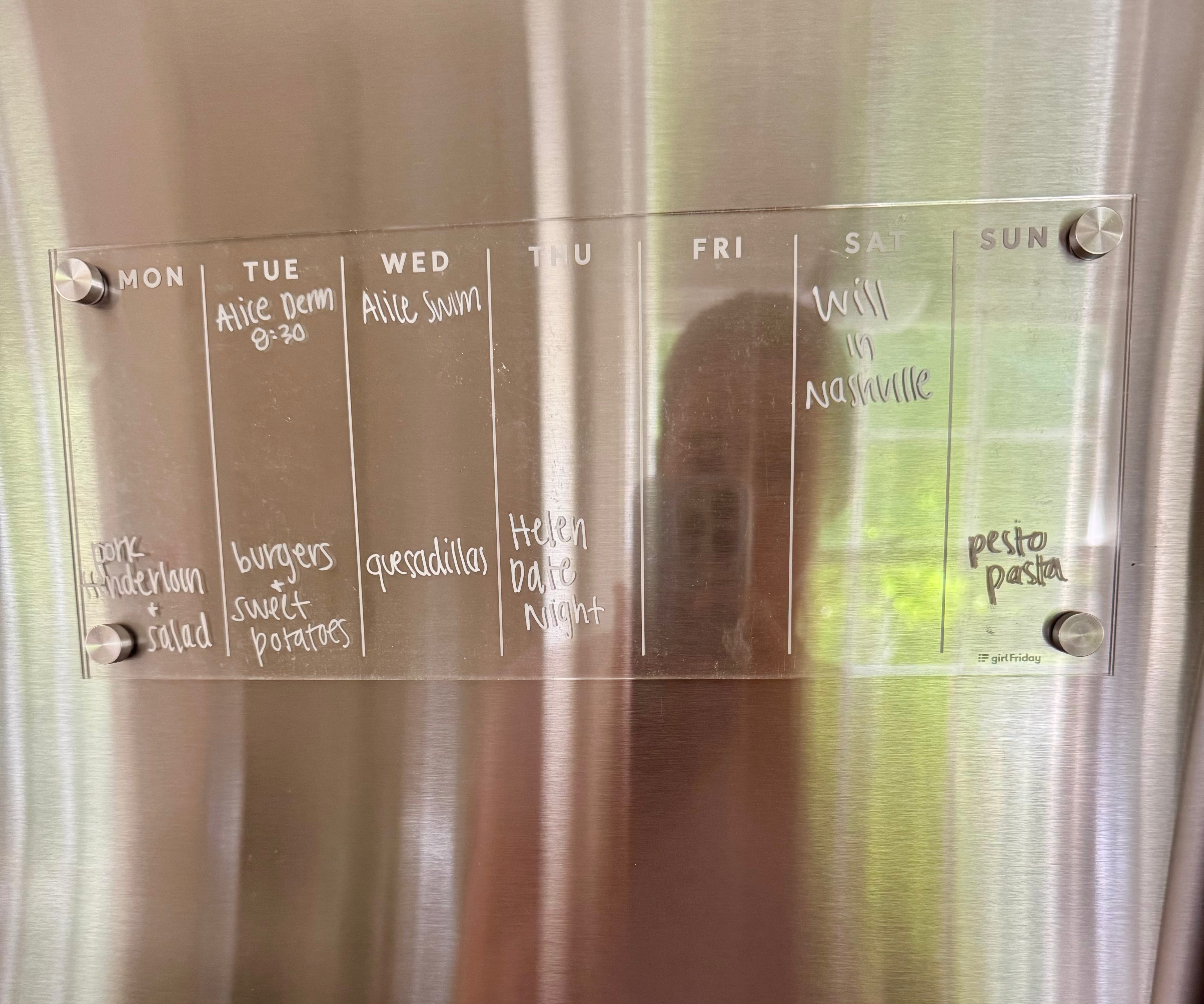
We have a whiteboard on our fridge too: a 7-day view of dinners, appointments, house cleaning, birthday parties, the whole she-bang. One more visual reminder for tomorrow’s logistics. Who is handling swim? Do we need to thaw meat?
2. Reminders: the most underrated app
Could not agree more with SheIsAPaigeTurner’s take on how awesome the Reminders app is. Set it and forget it. And forgetting it is my specialty.
The most beautiful part of Reminders? You can share the list with your husband!
Will and I have three shared lists (& counting!):

Deer To Dos
No matter how small, our to-dos live here. Pack swim bag. Buy Alice bigger shoes. Go through PJs and pull out the too-small ones (nobody talks about how emotional this is!).
Add a due date to your reminder and get it out of your head.
Deers Discuss
Cue the eye roll. Yes, I made us a list for the things we need to talk about: travel, social plans, family logistics, all the super fun stuff. Because my options are forget it, blow up his phone in the middle of the workday, or add it to the list. Call me crazy, but if it’s on the list, it’s not forgotten.
True story: I added two future travel topics to this list today and then completely forgot (of course). When we sat down for dinner, my husband asked, “so what’d you add to the discussion list today?” He’d seen the notifications, and now our travel plans are solidified! Nerdy? Yes. Helpful? Also yes.
Groceries
Everything goes on the list. “We’re out of soap” becomes “Siri, add soap to the grocery list.”
One less thing to remember, and perfect for the moments with zero free hands… aka when there’s a baby on one hip and a toddler asking for a snack at my feet.
3. Sharing the mental load starts with sharing the password
I am notoriously bad at remembering passwords. Login screens give me low-grade anxiety, and “Forgot password?” is less of a backup plan than a regular part of my process.
When everything kid and dog related, from the pediatrician to the groomer, is tied to my email, and I don’t share the login (or worse, can’t remember it myself), of course I’m the only one who manages any of it! Turns out the mental load falling on me was of my own making! Ugh!
Alice has a rash? Mom. Wally needs food? Mom. Time for a Costco restock? Mom.
My husband is fully capable of handling any of this, if I actually give him access.
So, as of this week, I’m a proud NordPass user. Adding our passwords one by one, usually after clicking “Forgot password?” first.
Even if I still handle most of these jobs day to day, I am no longer the only possible person who can.
4. If only you see the reply, only you can act on it
Now back to my email being the one on file everywhere. Let’s say Will messages the pediatrician now that he actually has access. The pediatrician writes back, but who gets notified? Me. Will still has no idea there’s an answer waiting.
Enter: auto-forwarding.
A simple Gmail filter forwards anything you want straight to your husband. I’m starting with our pediatrician and Wally’s groomer, so a reply lands in both of our inboxes instead of just mine.
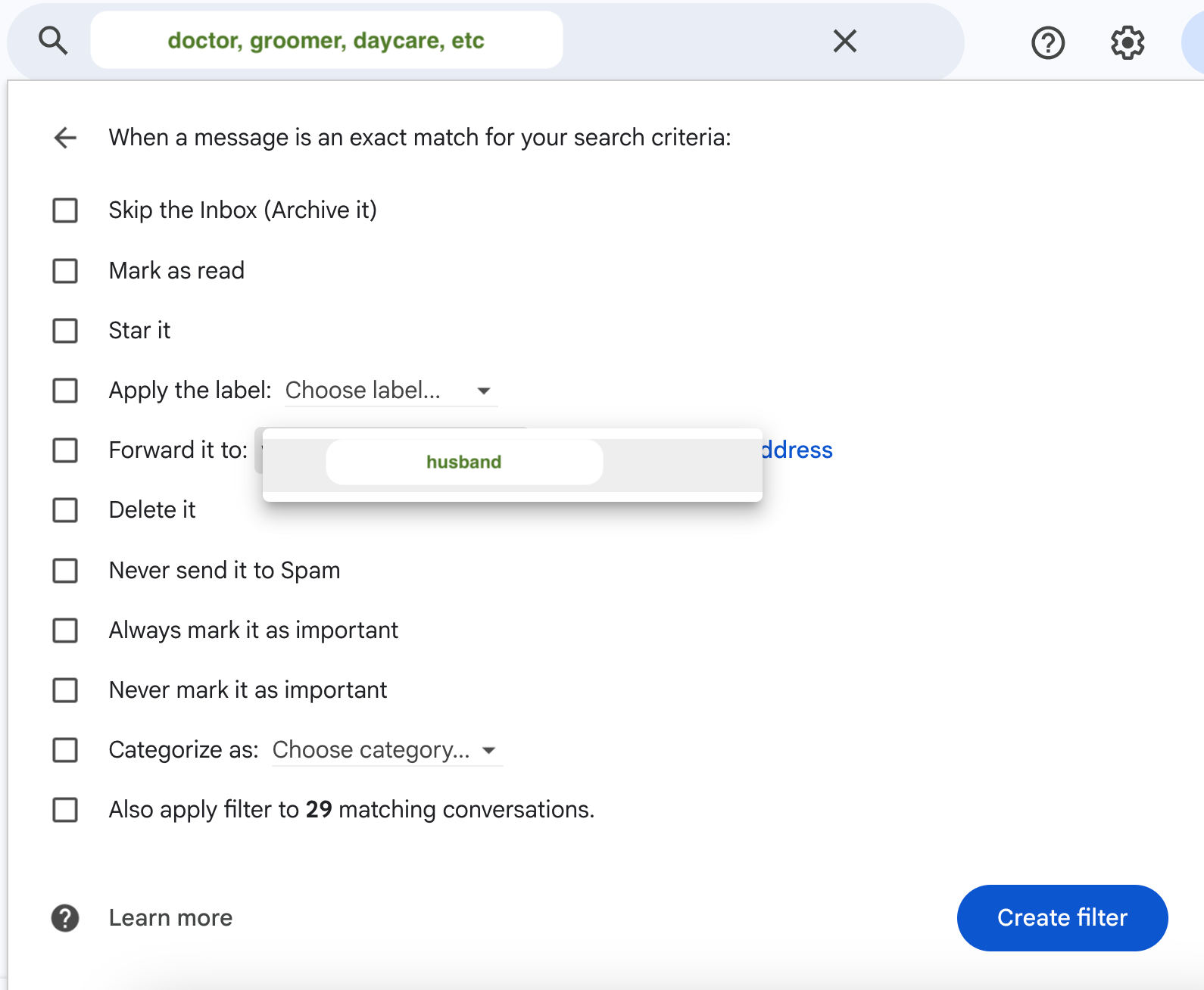
A family email address is another great option! We have one but never check it. So for now, forwarding it is!
5. Babysitter list: from brain to paper
We are lucky to have family in town. Ninety percent of the time we need a sitter, we call family. (Ninety percent may also be a sign that we need a life.)
All moms talk about building a babysitter list, the go-tos they text for a night out. But is there actually a real list anywhere, or is it just a few names buried in one mom’s contacts, waiting for the next engagement-party scramble?
That was us. I saved the contacts, did the texting, and told Will to get the cash when it was time to pay.
This week I edited each sitter’s contact, added “Babysitter” as the company name, shared them with Will, and made him actually save them. Now either of us can search “babysitter” and see our options.
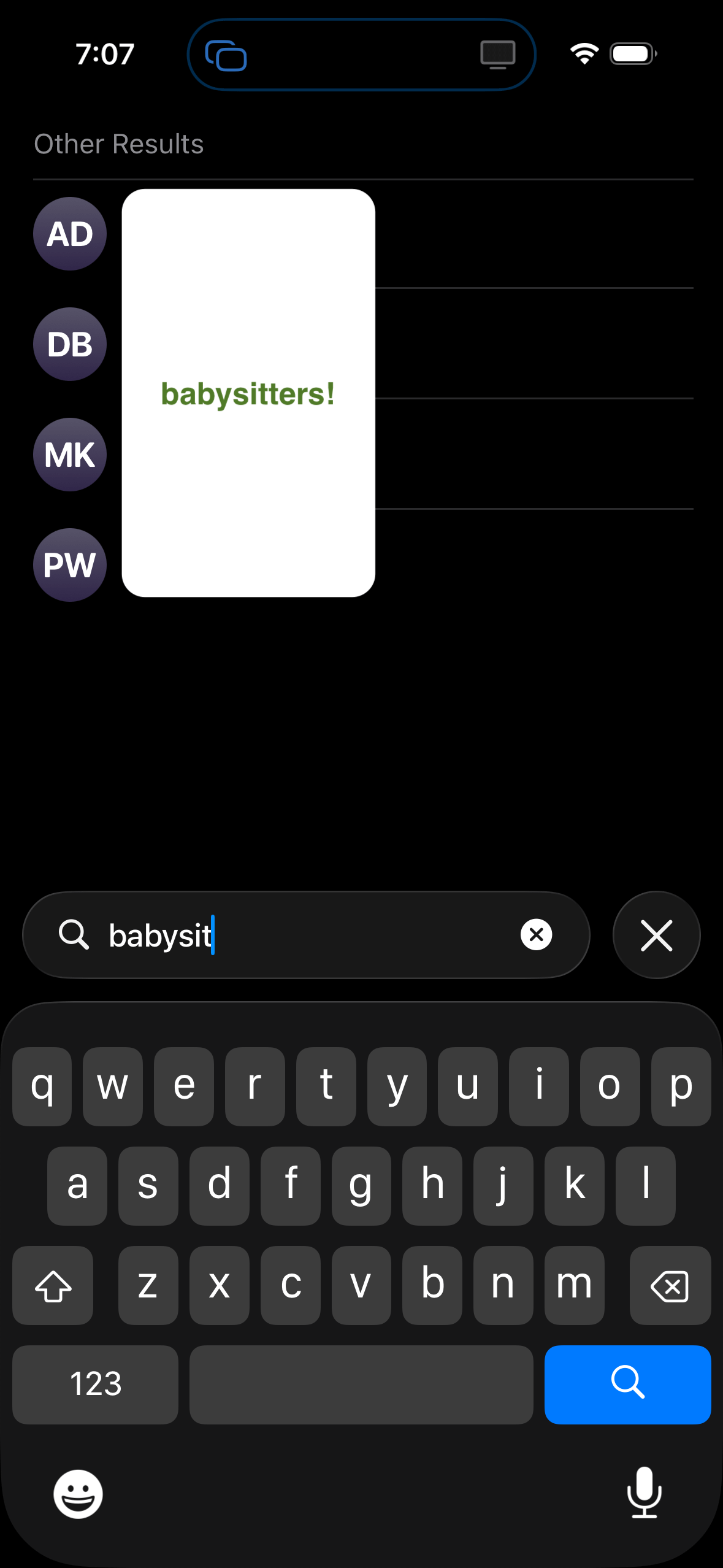
Sharing the contacts doesn’t fix everything. Someone still has to remember we need a sitter in the first place… but we’ve set the foundation. A shared calendar with the details, reminders that notify us both, and go-to contacts we can both find. The part where AI starts doing the remembering is next.
What I’d tell my mom group chat
Don’t start by trying to “solve the mental load.” That honestly sounds terrifying, and it’ll never happen.
Instead, do one thing today to make tomorrow’s day the tiniest bit easier.
Pick one five-minute fix. Find one question that only you can answer, whether that’s what the sitter’s number is or what your toddler needs for water day. Then give your husband access to the answer.
Add the missing details to the next calendar event
Make & share a Reminders list
Put one family account in a password manager
Auto-forward one sender
Tag and share your babysitter contacts
Finally, let your husband actually take on one of these tasks. He can thank me later.
I absolutely love this! Excellent write up.
Thank you for sharing!
Super vulnerable question here…I’m doing most of what you suggested here, but do you have any thoughts/suggestions on what to do if your husband just refuses or is unable to SEE the mental load? I am pretty sure mine doesn’t believe it, thinks it’s just some feminist, empowered mumbo jumbo. Meanwhile I’m drowning in schedules and appointments and planning and I can’t get him to own any of it…